
Figma plugin
Atomize — 11 Languages
Atomize speaks your language — 11 UI languages so every designer on your team works in their native interface.
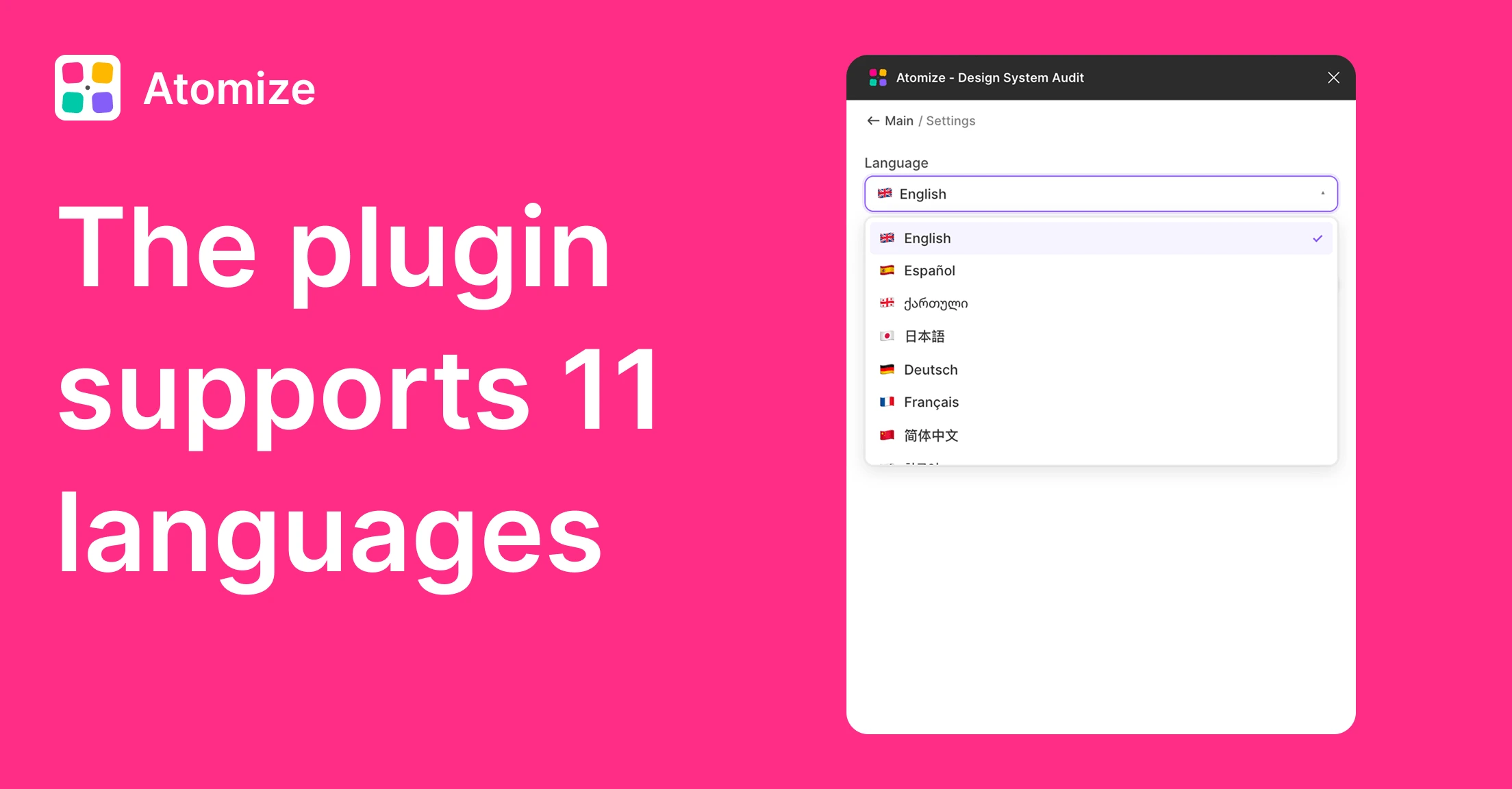
Atomize is built for global design teams. The plugin UI is localized into 11 languages so designers, design-system maintainers, and stakeholders can run scans, audits, and token workflows in the language they think in — not one they translate from. Switch from the plugin toolbar at any time; the change takes effect immediately without restarting Figma.
Supported languages
- English (en) — default
- Español (es) — Spanish
- ქართული (ka) — Georgian
- 日本語 (ja) — Japanese
- Deutsch (de) — German
- Français (fr) — French
- 简体中文 (zh-CN) — Chinese (Simplified)
- 한국어 (ko) — Korean
- Português (pt-BR) — Portuguese (Brazil)
- Русский (ru) — Russian
- Українська (uk) — Ukrainian
How it works
- Open Atomize → click the language selector in the plugin toolbar.
- Pick your language from the dropdown.
- The entire plugin UI reloads in the selected language — no Figma restart needed.
- Your choice persists across sessions until you switch again.
Why 11 languages
Design tokens, WCAG ratios, and variable aliases are already abstract — adding a language barrier makes onboarding slower and audits error-prone. When a designer sees "Find Untokenized Values" in their native language, they understand the tool's purpose instantly. When they scan and see results grouped by category in their own language, they fix issues faster. Atomize localizes every label, button, progress message, report header, and error message — not just the dashboard.
FAQ
Yes. The language selector is always visible in the plugin toolbar. Switch at any time — the UI reloads instantly in the new language.
No. Language selection only changes the Atomize plugin interface. Your Figma layers, variable names, collection names, and token aliases stay exactly as you defined them.
Yes. Every Atomize feature — Find Untokenized Values, Contrast Audit, Font Scanner, Find & Replace Variables, Coverage Audit, and Create Primitives & Atoms — works in all 11 languages with complete translations.
Other features
-
Find Untokenized Values in Figma
Scan every layer for hardcoded values that bypass Figma Variables — grouped by property type with export-ready reports.
Read guide → -
Contrast Audit for Figma
Bulk WCAG contrast check with real layered backgrounds — failures grouped by token, not just by layer.
Read guide → -
Font Scanner for Figma
See every font family, weight, and size in your file — select all matching text layers in one click.
Read guide → -
Find & Replace Variables in Figma
Replace one variable with another across every alias in your token library — preview affected variables, select what to update, confirm in one flow.
Read guide →