Atomize Chrome Extension
Audit Figma files directly in the browser — no Figma plugin install needed. The free Chrome extension scans any Figma design file you have open and gives you a Quick Audit, WCAG contrast check, and font inventory in seconds.
 Install from Chrome Web Store
 What the extension does
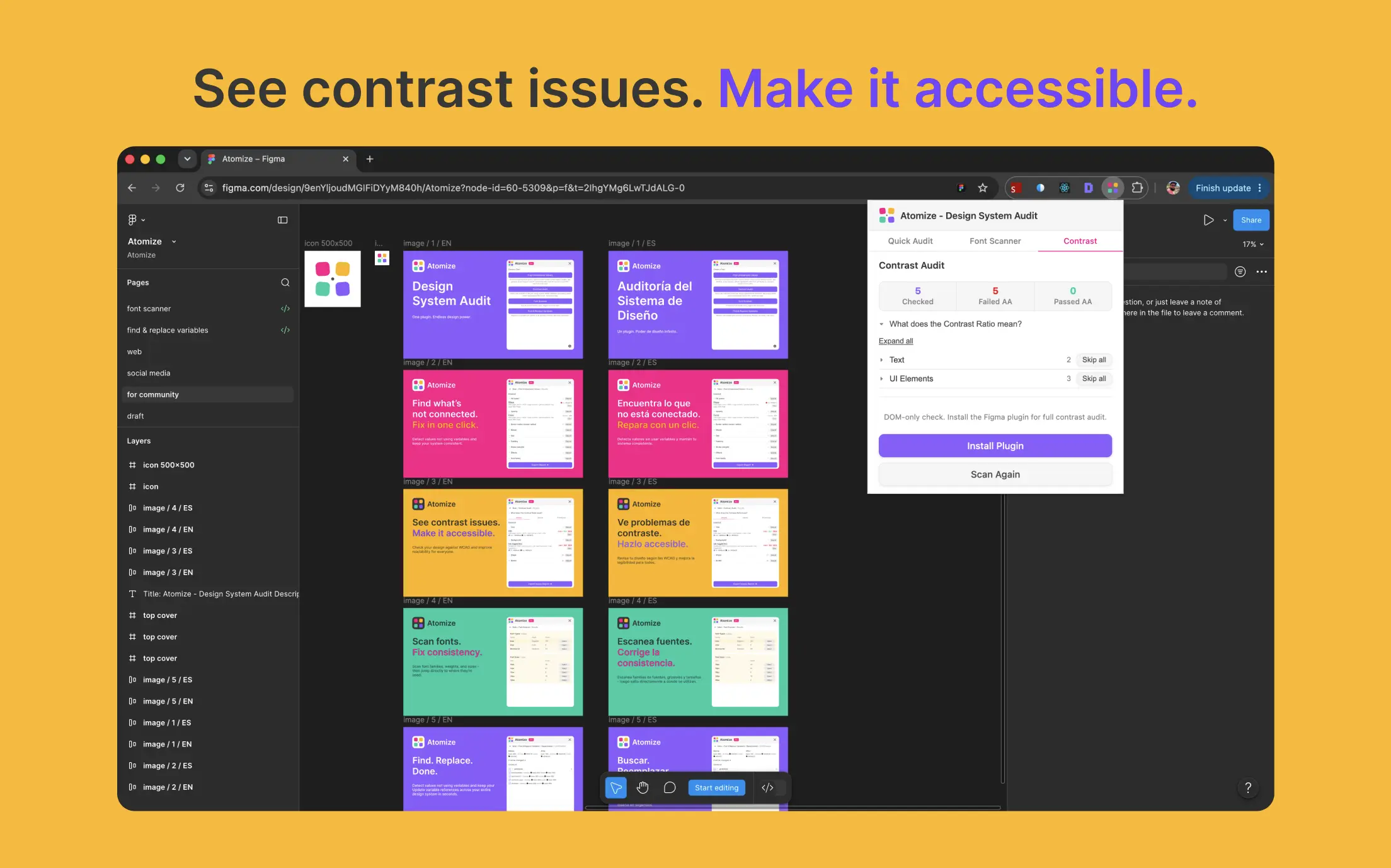
Contrast Audit
Checks text layers from any Figma file against WCAG 2.1 AA and AAA contrast ratios so you catch accessibility issues before handoff.
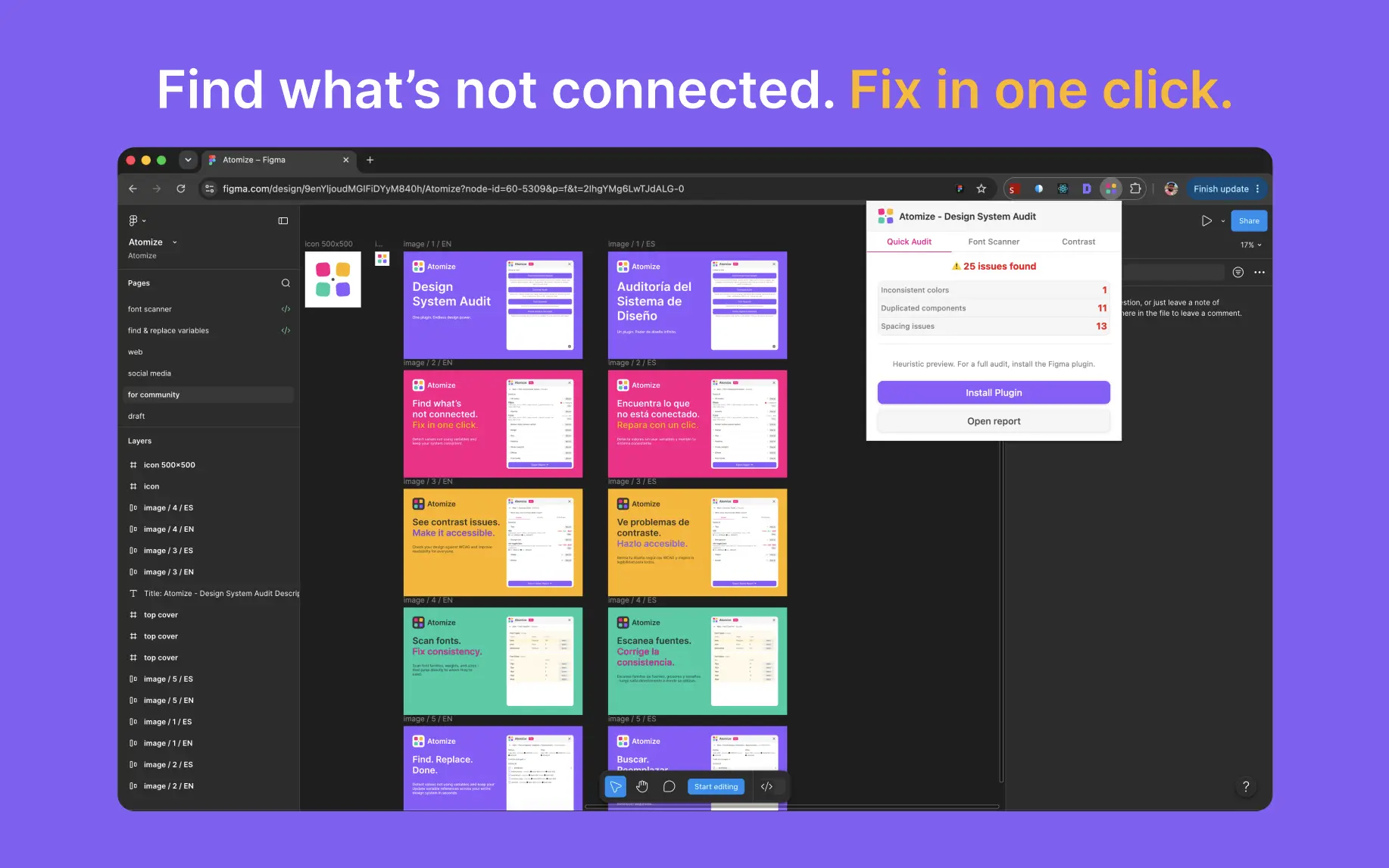
Quick Audit
Scans the file for inconsistent colors, duplicated components, and spacing drift — a fast health check without opening the Figma plugin.
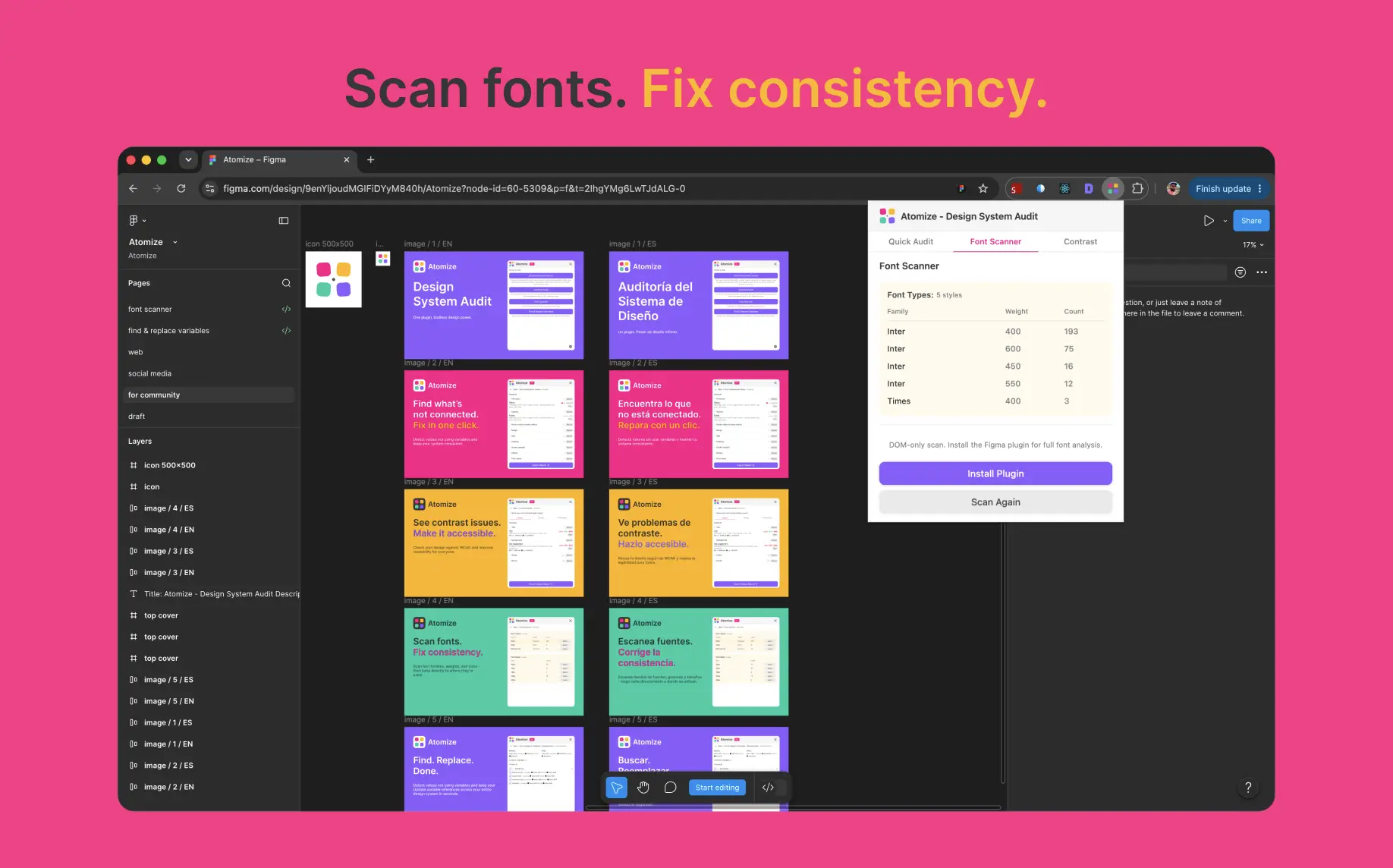
Font Scanner
Inventories every font family, weight, and size used in the file so you can spot drift from your design-system typography scale.