
Migrating custom design tokens into Figma Variables means replacing ad-hoc JSON, SCSS maps, and CSS custom properties with a single source of truth that exports directly to DTCG format — and that migration is the highest-ROI move a design system team can make in 2026. Custom token files drift from production the moment they’re hand-edited; Figma Variables stay bound to the canvas, propagate changes through alias chains automatically, and produce DTCG JSON that Style Dictionary and code generators consume without intermediate translation layers. The W3C Design Tokens Community Group maintains the DTCG specification that makes this pipeline interoperable across tools.
Related workflows: Figma Design Tokens Guide for Variables architecture and DTCG export, token workflow plugins for pipeline setup, and find untokenized values to audit what you’re migrating.
In short
- Audit your custom token inventory before touching Figma — untokenized hex codes and magic numbers are your migration baseline.
- Map primitives first (raw values), semantics second (alias chains) — reversing this order creates duplicate tokens.
- Use DTCG JSON as the migration bridge format — it decouples Figma’s internal data from your code pipeline.
- Animation tokens (duration, easing) go into a separate collection — mixing them with color/spacing creates mode conflicts.
- Run a coverage audit after migration — Atomize scans for values that didn’t get tokenized during the transition.
Why custom token files break at scale
Custom token files — JSON blobs, SCSS variable maps, hand-maintained CSS custom properties — fail the moment two teams touch them. A developer updates blue/500 in the SCSS map but forgets the JSON export; a designer changes the hex in Figma without updating the code repo; the handoff meeting burns 20 minutes reconciling which value is authoritative. This is not a tooling problem — it is a single-source-of-truth problem. Figma Variables solve it by making the canvas file the source: a designer changes a variable value in Figma, the DTCG export picks it up, and the code pipeline rebuilds without manual synchronization steps. Teams that migrate design tokens to Figma replace fragmented token files with a single connected pipeline.
The migration is not zero-cost. Teams with 200+ custom tokens spread across multiple files, frameworks, and platforms need a deliberate migration sequence. The rest of this guide lays out that sequence — audit, map, export, verify — with concrete steps for each phase. The Figma help center documents Variables capabilities that form the target state.
Phase 1: Audit your custom token inventory
Before creating a single Figma variable, inventory every token source in your codebase. A successful Figma variables migration depends on this audit — design tokens hide in more places than teams realize: CSS custom properties on :root, SCSS variable maps, Tailwind config files, JSON theme files, and inline var() calls in component styles. Each source needs to be located, extracted, and listed before migration begins — missing a source means that token stays untokenized after the migration.
Run an automated audit first. Atomize’s find untokenized values scanner detects raw hex codes, spacing values, and font sizes inside Figma files — values designers placed without creating a variable. For code-side tokens, grep your repository for CSS custom property declarations, SCSS $variable assignments, and JSON theme keys. List every token in a spreadsheet with columns: token name, current value, source file, and whether it has a Figma equivalent.
Common token hiding places
:root { }blocks in global CSS files — often the largest single token source when moving CSS tokens to Figma- Tailwind
theme.extendintailwind.config.js— colors, spacing, font sizes, border radii - SCSS
$_variables.scsspartials — check for nested maps withmap-get()access patterns - JSON theme files (
tokens.json,theme.json) — often hand-synced with design, always drifting - Component-level CSS custom properties —
var(--button-bg, #3B82F6)with hardcoded fallbacks - Animation keyframes with hardcoded
msvalues — these become duration tokens in the migration
Phase 2: Map primitives, then semantics
The most common migration mistake is mapping semantic tokens before primitives. A semantic token like color/text/primary references a primitive like color/gray/950 — you cannot create the alias chain until the primitive exists. Start with raw value tokens: every unique color hex, spacing pixel value, font size, border radius, and duration in your inventory. Create one Figma variable per unique value, not per usage — if #030712 appears in 14 places across your SCSS and CSS, you create one gray/950 variable, not 14.
/* BEFORE: Legacy custom token names (flat, no alias chain) */
$color-text-primary: #030712;
$color-bg-default: #F8FAFC;
$color-interactive: #3B82F6;
$space-md: 8px;
$radius-button: 8px;

/* AFTER: Figma Variable names (two-layer, aliased) */
color/text/primary         →  {gray/950}
color/background/default   →  {gray/50}
color/interactive/default  →  {blue/500}
space/component/gap        →  {space/4}
radius/button              →  {radius/md}
Create primitives inside a dedicated Figma variable collection. Name the collection primitives and organize by category using slash-separated groups: gray/50, gray/100, blue/500, space/4, space/8, font/size/14, font/size/16, radius/sm, radius/md, duration/fast, duration/normal. The slash separator creates the group hierarchy Figma uses for scoping — keeping colors, spacing, typography, and animation tokens in separate groups prevents mode conflicts later.
/* Primitives collection — raw values, no aliases */
gray/50     →  #F8FAFC
gray/950    →  #030712
blue/500    →  #3B82F6
space/4     =  4px
space/8     =  8px
font/size/14 =  14px
radius/md   =  8px
duration/fast = 150ms
easing/default = cubic-bezier(0.4, 0, 0.2, 1)
Once primitives exist, create a second collection named semantic and alias every semantic token to its primitive. color/text/primary aliases gray/950 from the primitives collection. color/background/default aliases gray/50. space/component/gap aliases space/4. This alias-based architecture is what makes Figma Variables fundamentally different from flat custom token files: changing one primitive propagates through every semantic alias automatically.
/* Semantic collection — aliases to primitives */
color/text/primary        →  {gray/950}
color/background/default  →  {gray/50}
color/interactive/default  →  {blue/500}
space/component/gap       →  {space/4}
radius/button             →  {radius/md}
duration/transition        →  {duration/fast}
Phase 3: Export to DTCG and wire the code pipeline
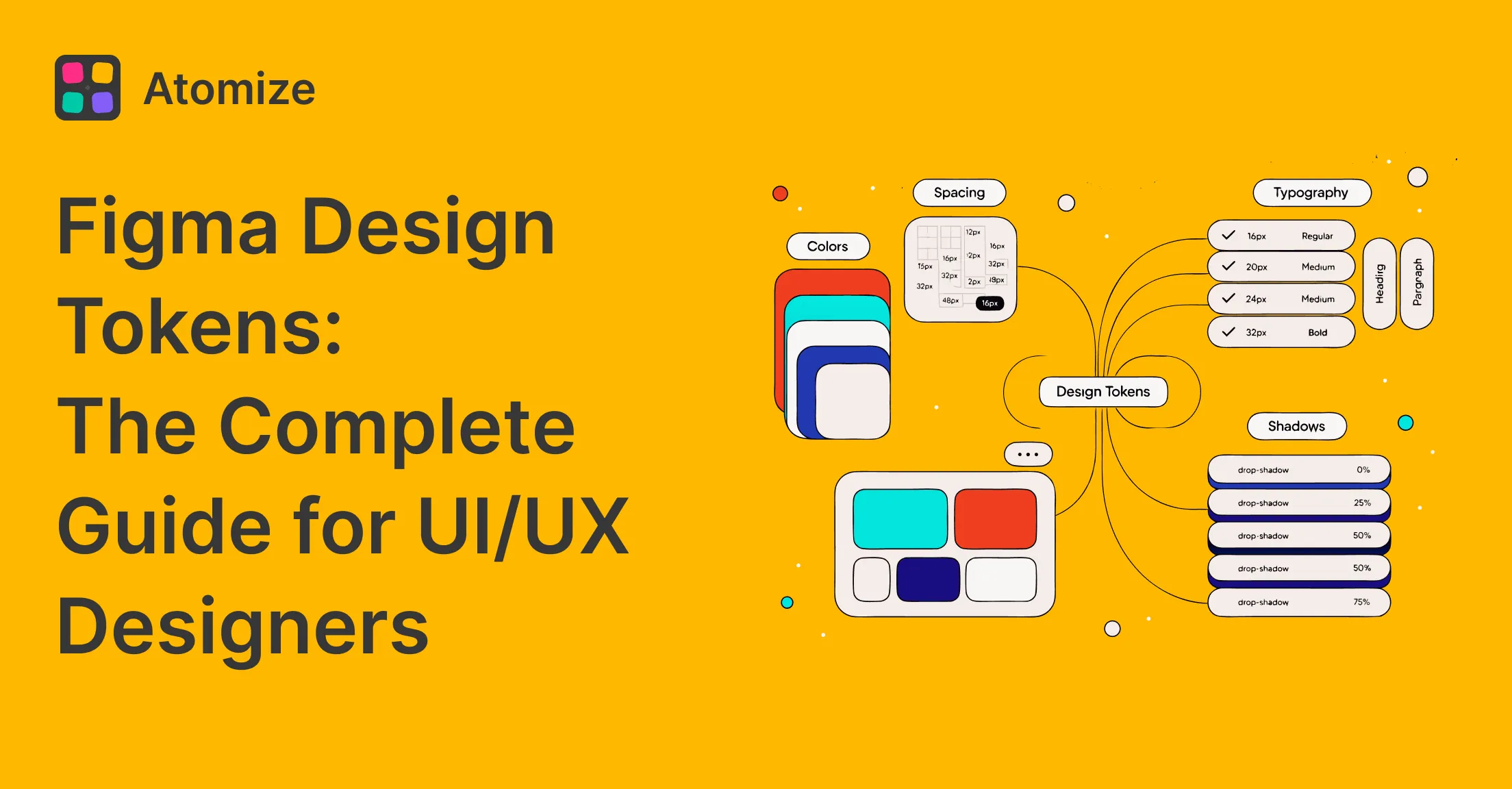
DTCG (Design Tokens Community Group) JSON is the migration bridge format — see the Figma design tokens guide for the full token architecture. It decouples Figma’s internal variable representation from whatever code pipeline consumes the tokens — CSS custom properties, TypeScript constants, Tailwind presets, or platform-specific formats. Export both the primitives and semantic collections as DTCG JSON. The export contains $type, $value, and alias references that downstream tools resolve into final platform values. Here is how the old SCSS-map format compares to the new DTCG structure:
/* OLD: SCSS variable map (flat, no types, no alias info) */
$color-text-primary: #030712;
$color-bg-default: #F8FAFC;
$color-interactive-default: #3B82F6;
$duration-transition: 150ms;

/* These SCSS maps lose all structural information —
   no $type, no alias chain, no mode data. Every consumer
   must parse them with a custom script. */
{
"color": {
"text": {
"primary": {
"$type": "color",
"$value": "{color.gray.950}"
}
},
"background": {
"default": {
"$type": "color",
"$value": "{color.gray.50}"
}
}
},
"duration": {
"transition": {
"$type": "duration",
"$value": "{duration.fast}"
}
}
}Wire Style Dictionary to consume the DTCG JSON output. Style Dictionary resolves alias references, transforms values to platform-specific formats, and generates CSS custom properties, TypeScript constants, SCSS variables, or Android XML in a single build step. The key configuration decision: point Style Dictionary at the DTCG JSON file path as its input source, not at a hand-maintained token file. From this point forward, the DTCG export from Figma is the token source of truth — the hand-maintained custom files get archived.
{
  "source": ["tokens/primitives.json", "tokens/semantic.json"],
  "platforms": {
    "css": {
      "transformGroup": "css",
      "buildPath": "dist/css/",
      "files": [{
        "destination": "variables.css",
        "format": "css/variables"
      }]
    }
  }
}
With the config in place, run Style Dictionary to generate platform assets. The migration script below automates the full sequence — export DTCG from Figma, transform via Style Dictionary, and verify the output:
#!/bin/bash
# Migration script: DTCG export → Style Dictionary transform → verify

# 1. Export tokens from Figma (manual or via plugin CLI)
#    Place the exported JSON in tokens/primitives.json and tokens/semantic.json

# 2. Run Style Dictionary to generate all platform outputs
echo "Building CSS, SCSS, and TypeScript from DTCG source..."
npx style-dictionary build --config sd.config.json

# 3. Verify the CSS output exists and has content
if [ -s dist/css/variables.css ]; then
  echo "OK: CSS variables generated — $(wc -l < dist/css/variables.css) lines"
else
  echo "FAIL: CSS output is empty or missing" && exit 1
fi

# 4. Diff old vs new token files to confirm all values migrated
echo "Comparing legacy SCSS values with new DTCG output..."
# Manual review: check that every $color-* and $space-* from the old
# SCSS map has a corresponding DTCG entry with the same resolved value.
Phase 4: Verify — audit what didn’t migrate
A migration is never complete on the first pass. Values get missed — a border color in a deeply nested component, a spacing value in an auto-layout gap, a font size inside a text style that wasn’t linked to a variable. Run a coverage audit after the migration to detect every value in the Figma file that still lacks a variable binding. For any design tokens migration Figma audits catch what was missed — only zero untokenized values means the migration is complete.
Atomize’s coverage audit scans the full file and reports untokenized fills, strokes, spacing values, font sizes, and border radii — grouped by page and component. Run this scan immediately after completing the variable mapping. Each hit is a migration gap: a value that existed in your custom token inventory but was missed during the Figma Variables transition. Bind those remaining values to the appropriate primitive or semantic variable.
Animation and duration tokens — a separate collection
Animation tokens — duration values, easing curves, and delay timings — require their own collection in Figma Variables. Mixing duration tokens into the primitives collection with colors and spacing creates mode conflicts: a dark mode switch should not change animation timings, but if they share a collection, Figma forces them to share modes. Create a dedicated motion collection with groups for duration, easing, and delay.
Animation token types and Figma Variable mapping
| Token type | Figma type | Example value | Collection |
|---|---|---|---|
| Duration | Number | 150ms → 150 | motion |
| Easing curve | String | cubic-bezier(0.4, 0, 0.2, 1) | motion |
| Delay | Number | 300ms → 300 | motion |
| Opacity keyframe | Number | 0 → 1 fade | primitives (opacity) |
Figma Variables support number and string types natively — duration values become number variables (the unit is applied at export time by Style Dictionary transforms), and easing curves become string variables. The Material Design 3 motion tokens specification provides a useful reference model for naming duration and easing tokens consistently across a design system.
Coexisting with legacy code during migration
Large codebases cannot cut over to DTCG-exported tokens overnight. During the transition, run both pipelines in parallel — the same code sync strategy that keeps design and engineering aligned during system changes. The new DTCG → Style Dictionary pipeline outputs to dist/tokens/v2/, while the legacy custom token pipeline continues outputting to the existing paths. Components adopt the new token variables incrementally — one component at a time, verified by visual regression tests. The parallel period typically lasts 2–4 weeks for a medium codebase, after which the legacy pipeline gets removed.
Token naming parity is the critical constraint during coexistence. If the legacy system uses --color-primary and the DTCG export produces --color-interactive-default, every component migration requires a naming shim. Design the DTCG variable names to match the legacy naming convention where possible, or accept that a one-time find-and-replace across the component tree is part of the migration cost.
Common migration mistakes
Migration pitfalls and how to avoid them
| Mistake | Symptom | Fix |
|---|---|---|
| Semantics before primitives | Cannot create alias references — variables don’t exist yet | Build the primitives collection first; semantics reference primitives via aliases |
| One collection for everything | Dark mode toggles change animation timings | Separate collections by mode behavior: colors, spacing, motion, typography |
| Skipping the coverage audit | Untokenized values persist in nested components for months | Run Atomize’s audit scanner immediately after migration; fix every hit |
| Hand-editing DTCG JSON after export | JSON drifts from Figma — the exact problem migration was meant to solve | Treat Figma as the source of truth; DTCG JSON is build output, never hand-edited |
| No visual regression testing | Broken components discovered in production | Run visual regression tests (Chromatic, Percy, or Playwright screenshots) before merging the token migration branch |
Final verdict - Token Migration
Migrating custom design tokens to Figma Variables is the single largest reliability improvement a design system team can ship in 2026. The audit → map → export → verify sequence takes 1–2 weeks for a medium token inventory (200–500 tokens) and pays back in eliminated sync meetings and zero-drift handoffs within the first month. The hard part is not the tooling — Figma Variables and DTCG are mature — but the discipline to audit thoroughly, map primitives before semantics, and run a coverage scan to catch every missed value. Teams that skip the audit step leave untokenized values behind; teams that run it ship a complete migration.