Pencil vs Figma for design systems? Figma fits designer-led teams that need design tokens, Variables, stakeholder review, and Figma MCP in Dev Mode. Pencil fits engineer-led teams that want .pen files in Git beside Cursor or Claude Code. Atomize (Figma plugin publisher) maintains this comparison - pick by who owns UI and where they work. This design system tools comparison covers team scenarios, team scenarios, Variables and tokens, AI and MCP integration, code output models, collaboration approaches, and where each tool falls short.
Related workflows: Figma design tokens guide for primitive-semantic architecture and DTCG export, token workflow plugins for pipeline comparison, and Claude Design for AI canvas ideation alongside Figma.
In short
- Choose Figma when designers, PMs, or clients need browser-based review, prototyping, and mature Variables.
- Choose Pencil when engineers (often with Cursor or Claude Code) want design files in Git and MCP access to the canvas.
- Pencil reduces IDE ↔ design-app switching; Figma reduces cross-functional review friction - neither replaces the other for all teams.
- AI UI builders (Lovable, v0, Builder.io) target fast screens; Figma and Pencil target sustained design systems.
- Next reads: Figma design tokens, token workflow plugins.
Figma vs Pencil - quick comparison
| Figma | Pencil | |
|---|---|---|
| Type | Browser/desktop design app | IDE extension + desktop app |
| Primary user | Designers | Developers / AI agents |
| File format | .fig (cloud, proprietary) | .pen (repo, open format per Pencil docs) |
| AI integration | Plugins + Figma MCP | Built-in MCP server (Pencil docs) |
| Code output | Dev Mode specs + export pipelines | Generated HTML, CSS, React (needs engineering review) |
| Collaboration | Real-time multiplayer in browser | Git PRs; limited non-dev review |
| Design system | Variables, libraries, Community | Brand kits, codebase import |
| Price | Free / paid plans | Free today; paid plans possible per vendor |
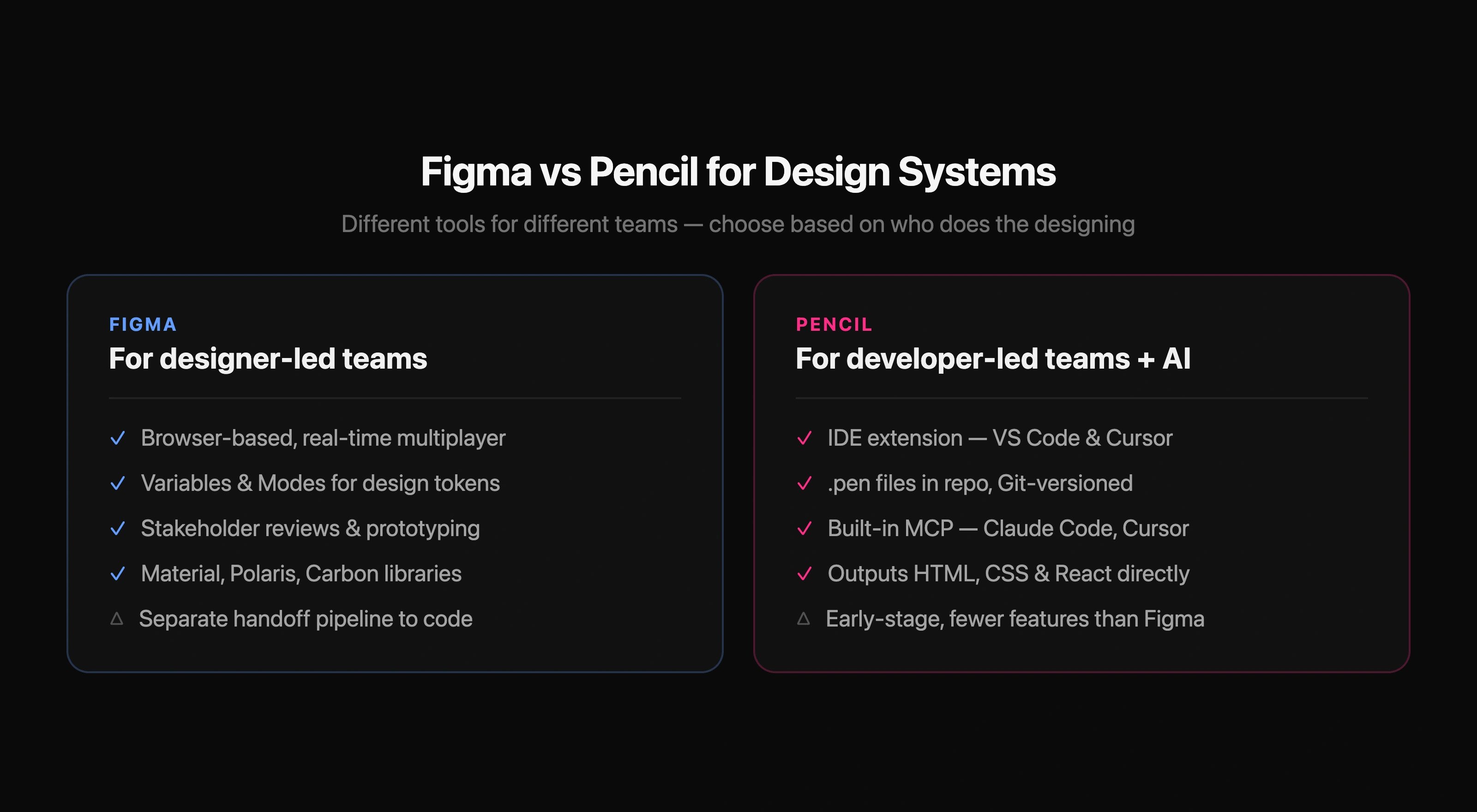
Editorial guidance from Atomize (a Figma plugin publisher): we know Figma deeply and describe Pencil from public docs, not a neutral lab test. This page is the canonical pencil vs figma comparison for design systems (June 2026).
Which setup fits which team
Illustrative scenarios - not rules. Pick based on roles, review culture, and how much design system maintenance you already run in Figma.
Common team scenarios
| Team profile | Often fits | Why |
|---|---|---|
| Agency with client sign-off | Figma | Link sharing, comments, presentations, familiar client tooling |
| Startup with dedicated designers | Figma | Variables, libraries, prototyping before eng build |
| Solo founder shipping with Cursor | Pencil | Design beside code; MCP canvas for agent iteration |
| Engineering-heavy SaaS, few designers | Pencil or Figma + strict handoff | Pencil if eng owns UI; Figma if you still need design-led exploration |
What is Figma?
Figma is the default collaborative design tool for many product orgs - strong real-time editing, components, Variables with Modes, Dev Mode, and a large plugin ecosystem. Stakeholders can view and comment in the browser without installs. For dedicated designers, maturity and hiring familiarity matter as much as features.
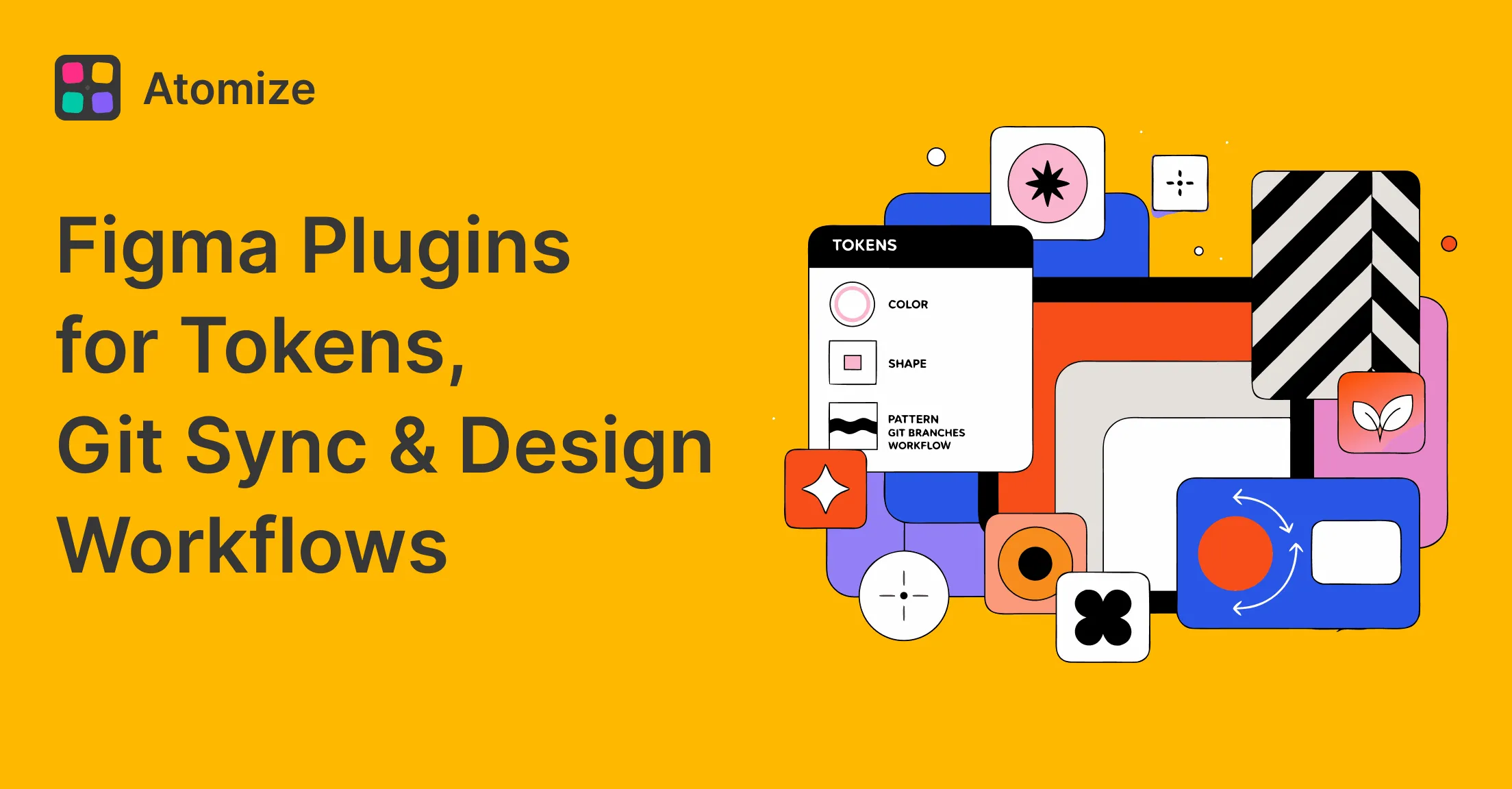
Design-to-code is assembled, not automatic: Variables → export (Tokens Studio, REST) → Style Dictionary → app code, often with Code Connect. The W3C Design Tokens Community Group standardizes the token format so this pipeline survives toolchain swaps without custom parsers. That pipeline works when maintained; naming drift and plugin versions are ongoing costs. See the Figma design tokens guide and token workflow plugins. Figma Help on variables is the official reference.
What is Pencil?
Per Pencil’s site and documentation, the Pencil design tool is a canvas inside VS Code, Cursor, or a desktop app. .pen files live in the repository; the product emphasizes designing next to code and generating HTML, CSS, or React from the canvas. Output still needs the same engineering review as any generated UI - accessibility, state, data wiring, and design QA are not automatic.
Pencil runs an MCP server so tools such as Cursor and Claude Code can read and write canvas files. That is a different model from Figma MCP, where agents typically read a design file to write code elsewhere. For vibe-coding-style workflows, see design tokens and agent context.
The core difference: where design lives
Figma keeps design in a cloud workspace; code lives in the repo. Handoff uses Dev Mode, annotations, token exports, and team process. Pencil keeps design files in the repo beside code, which can reduce context switching for engineers but shifts review mechanics toward Git. The version-control experience is fundamentally different: Figma’s version history is a managed cloud timeline with visual checkpoint comparison; Pencil’s .pen files behave like any other source file in Git — standard diff, blame, and rollback workflows apply:
# Figma: Version history is a cloud-managed checkpoint timeline.
# To see what changed, open the file in Figma → click the version
# dropdown → compare two named checkpoints visually. No CLI diff.

# Pencil: .pen files are Git-tracked. Standard dev tooling applies:

# See what changed in a .pen file between commits:
git diff HEAD~1 -- design-system/theme.pen

# Blame who changed a specific component layout:
git log -p -- design-system/button.pen

# Roll back to a known-good state:
git checkout abc123 -- design-system/theme.pen

# Review changes in a PR — same workflow as code:
gh pr checkout 42
git diff main -- design-system/*.pen
These tools target different primary users. Figma optimizes designer-led collaboration. Pencil optimizes developer-led and agent-assisted design in the IDE.
Core comparison for design system teams
| Figma | Pencil | |
|---|---|---|
| Where design happens | Browser app (figma.com) | VS Code / Cursor |
| Design files | Cloud workspace | Repo (.pen), Git-versioned |
| Who creates designs | Designers (primary) | Developers, AI agents |
| AI workflow | Plugins + Figma MCP read model | Native MCP read/write on canvas |
| Stakeholder review | Comments, presentations | PR review; weaker for non-devs |
| Token pipeline | Variables → export → code | Brand kits from codebase |
| Import from Figma | N/A | Copy-paste (vectors, text, styles per Pencil docs) |
Design systems: Variables and tokens
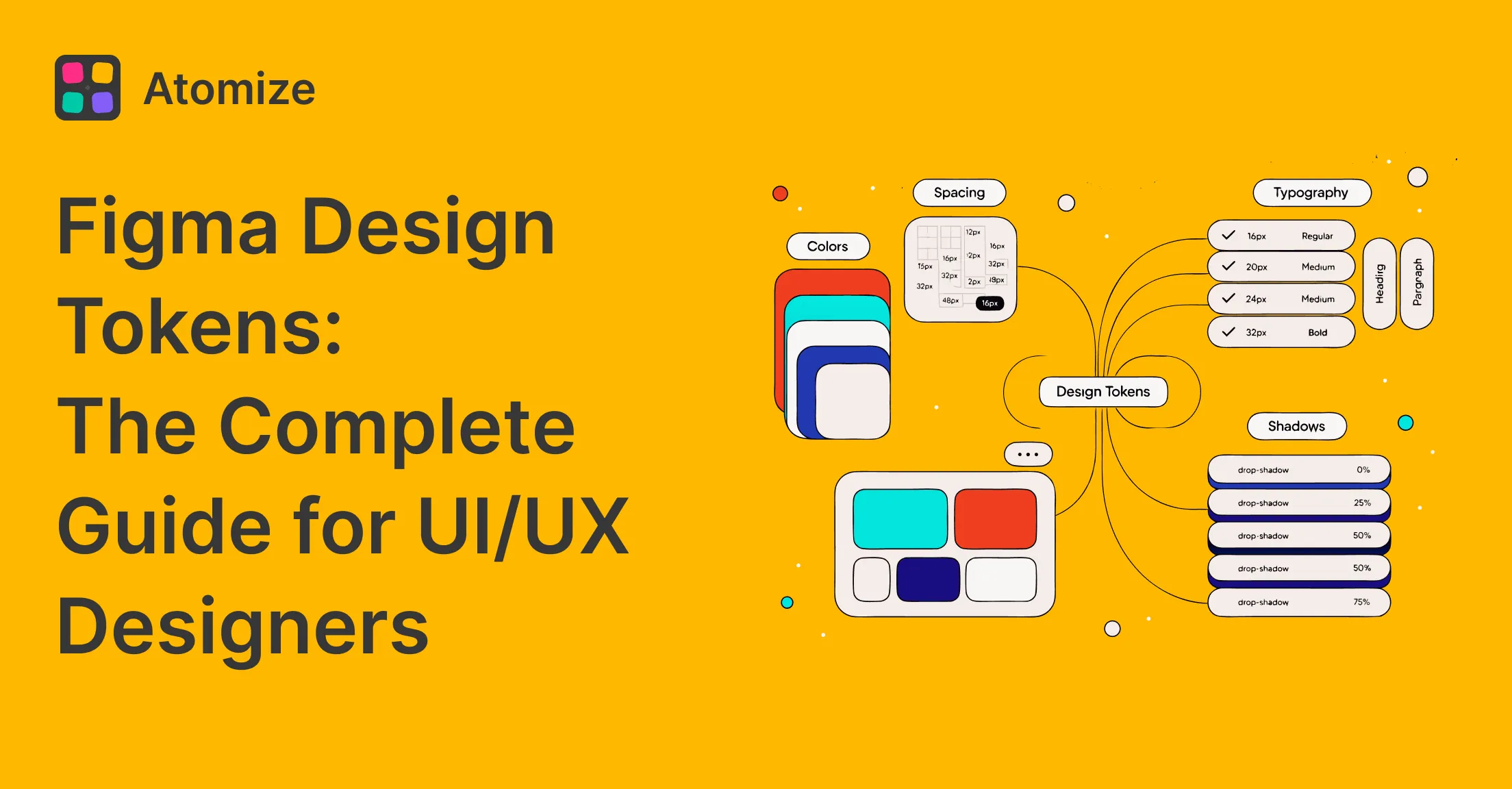
Figma’s Variables and Team Libraries remain the most common designer-maintained token surface. Public libraries (Material, Polaris, Carbon) anchor many teams; Material Design 3 provides a production-validated reference scheme with source and blend color roles that maps cleanly to DTCG structure. Atomize exports Variables to DTCG, CSS, or TypeScript for Git - but the design-to-code layer still needs ownership.
Pencil emphasizes brand kits and importing from the codebase so tokens may already live where engineers consume them. Figma-to-Pencil paste can migrate visuals; ongoing governance still requires team rules so Figma and repo do not diverge. The token representation differs between the two tools — Figma uses a UI-managed Variables panel with alias chains, while Pencil encodes token values as structured data inside .pen files consumed directly by code:
/* Figma: Tokens managed in Variables panel (UI-driven) */
/* Primitive collection — raw values, no modes */
gray/950  →  #030712
blue/600  →  #2563eb
/* Semantic collection — aliases with Light/Dark modes */
text/primary  →  {gray/950}   /* Light mode */
text/primary  →  {gray/50}    /* Dark mode */

/* Pencil: Tokens live in .pen files (code-driven) */
/* Brand kit imported from codebase or defined in-file. */
/* Same concept, different management surface: tokens */
/* are structured data inside the .pen file, consumed */
/* by the MCP server and code generators directly. */

/* Both tools converge on DTCG as the interchange format. */
AI-driven design and MCP
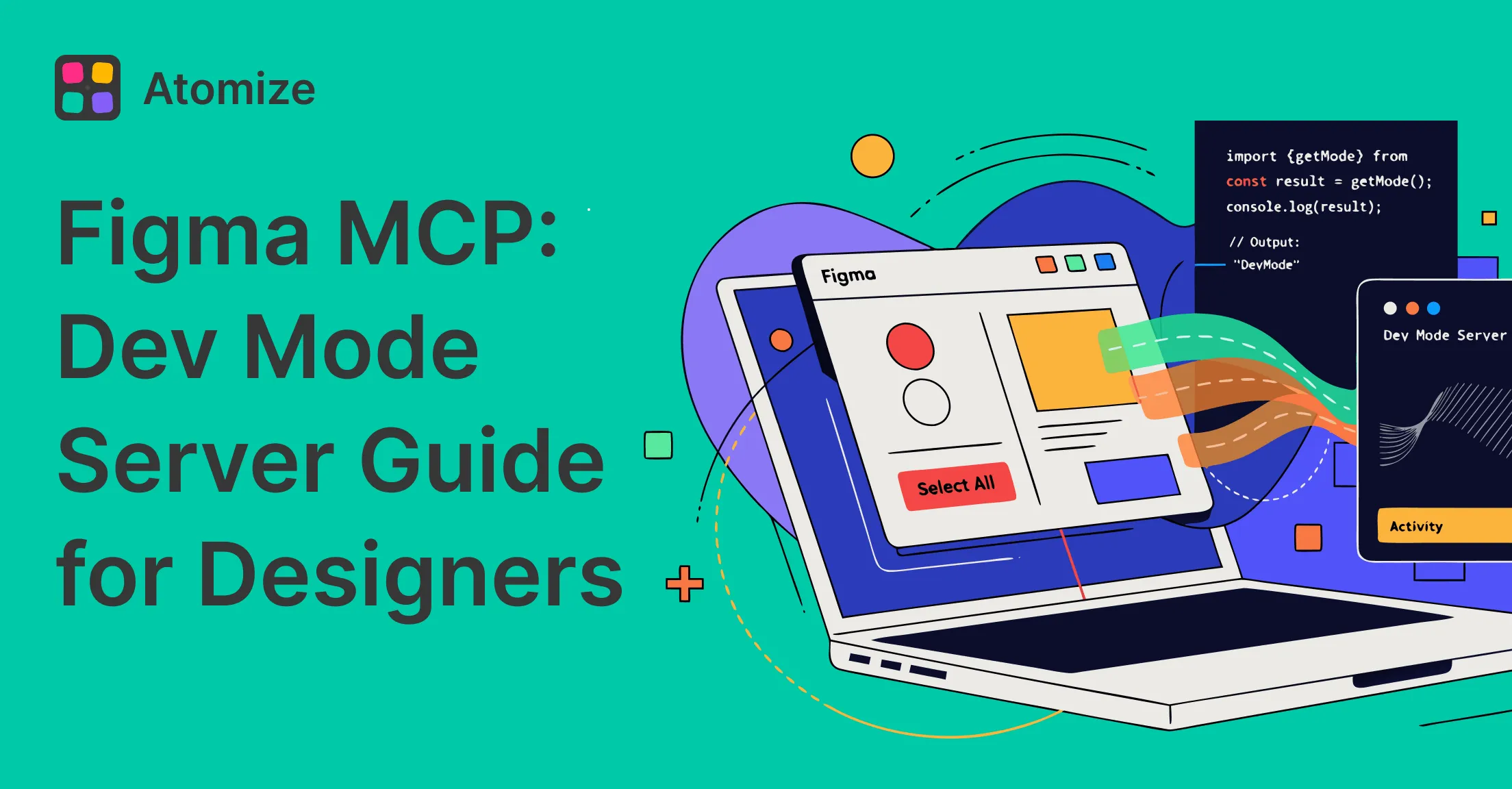
Pencil’s architectural bet is MCP on the canvas - agents edit .pen files in the same environment as code. Figma’s path is Dev Mode MCP and plugins: agents read designs, then implement in the repo. Neither removes the need for design system rules; see the Figma MCP guide.
For teams already in Cursor or Claude Code, Pencil’s integrated canvas can speed exploration. For teams with designers in Figma all day, Figma plus a token pipeline is usually less disruptive than moving primary design into the IDE.
Code output: specs vs generated UI
Figma Dev Mode surfaces specs - spacing, colors, component metadata. Engineers still implement components and wire data. That gap is predictable overhead for design-system teams every sprint.
Pencil generates HTML, CSS, and React from the canvas. Visual alignment can be tighter than manual translation from specs, but generated code still needs review for semantics, a11y, performance, and fit with your component library. Treat output as a starting point, not a finished product.
Code output comparison
| Figma | Pencil | |
|---|---|---|
| Output type | Specs (Dev Mode) | Generated HTML, CSS, React |
| Typical handoff | Engineer implements from spec | Less separate spec step; more code review |
| AI pattern | Read Figma → write code in repo | Read/write canvas via MCP |
| Accuracy | Depends on implementation discipline | Depends on canvas + review; not automatic QA |
| Design system mapping | Code Connect, plugins, manual | Brand kit / open .pen format |
Collaboration model
Figma’s strength is live multiplayer, comments from PMs and clients, and presentation mode. If non-technical stakeholders review work weekly, Figma’s link-based workflow is hard to replace.
Pencil’s collaboration is Git-centric: branches, PRs, code review habits. Strong for engineering-led squads; friction for marketers or executives who do not live in GitHub. Pencil’s “AI multiplayer” refers to parallel AI-generated directions on the canvas, not multi-user design sessions with stakeholders.
Where Figma falls short (for some teams)
- Design-to-code parity requires an export pipeline you maintain (tokens, naming, drift checks).
- Engineers context-switch to the browser for implementation details unless Dev Mode MCP is wired in.
- AI writes code in the repo; the Figma file is not the implementation source of truth.
- Heavy plugin stacks add version and governance overhead for design ops.
Where Pencil falls short
Balanced comparison requires naming Pencil limits as clearly as Figma’s handoff overhead. Based on product positioning and typical enterprise needs:
- Stakeholder reviews: no Figma-equivalent link-and-comment flow for non-technical clients and PMs at scale.
- Handoff to non-dev teams: marketing or brand teams often still expect Figma files, PDFs, or slides - not PR diffs on
.penfiles. - Prototyping: advanced interaction prototypes and presentation mode are weaker than Figma’s mature prototype features.
- Ecosystem: smaller plugin/community library vs Figma Community (Material, Polaris, etc. as maintained Figma kits).
- Hiring market: fewer designers list IDE-native canvas skills; Figma remains the default job requirement.
- Design-system governance at scale: multi-product contribution models and design-ops rituals are more documented around Figma Variables than Pencil brand kits.
- Vendor maturity: Pencil is newer; pricing, enterprise admin, and long-term roadmap are still evolving (check Pencil docs for current terms).
Figma vs Pencil vs AI UI builders (Lovable, v0, Builder.io)
A third cluster targets fast AI-generated screens rather than long-lived design systems. Useful for spikes; different tradeoff than Figma or Pencil for token governance.
How AI UI builders differ from Figma and Pencil
| Tool | Primary use | Design system depth | Typical owner |
|---|---|---|---|
| Figma | Collaborative product design + Variables | High when Variables and libraries are maintained | Design + design ops |
| Pencil | IDE canvas + repo-native design + MCP | Medium-high when brand kits mirror codebase tokens | Engineering + AI agents |
| Lovable | Prompt-to-app prototypes | Low unless you re-impose tokens manually | Founders, PMs, full-stack generalists |
| v0 | Prompt-to-React/UI components (Vercel) | Low-Medium; component-level, not full DS ops | Developers prototyping UI |
| Builder.io | Visual editor + headless CMS integrations | Medium for marketing pages; varies for product UI | Marketing eng, content, some product teams |
Many teams use Lovable or v0 for marketing experiments or MVPs, Figma for product design and tokens, and Pencil only when engineering owns UI inside Cursor. Mixing all three without boundaries creates duplicate sources of truth.
When to choose Figma
- Dedicated designers work in a design tool daily - browser context is their home base.
- PMs, clients, or marketers join design reviews via links and comments.
- You need strong prototyping and interaction demos before build.
- Your system relies on Figma Variables and multi-theme setups.
- You depend on Figma Community libraries and industry-standard hiring skills.
When to choose Pencil
Pencil can serve as a Figma alternative design system when engineering owns UI and design artifacts need to live alongside code in the repository.
- Engineers (not a design org) create most UI iterations inside the IDE.
- You already standardize on Cursor or Claude Code and want MCP on the design canvas.
- You want
.penfiles versioned in Git with the same review habits as code. - You accept Git-based review instead of Figma comments for most stakeholders.
- You are greenfield or migrating visuals via Figma paste, with eng owning tokens in code.
Can you use both?
Yes, with discipline. Pencil documents copying from Figma (vectors, text, styles). A common split: Figma for discovery, prototype, and sign-off; Pencil or the repo for implementation. Risk is dual truth - post-sign-off Figma changes must be synced manually or process breaks.
Final verdict: Figma vs Pencil
Figma fits designer-led teams where collaboration, prototyping, and stakeholder communication dominate - it has the deepest Variables ecosystem and established design-ops playbooks. Pencil fits developer-led teams that prioritize IDE context, Git workflow, and MCP agents on the canvas, with eyes open about stakeholder review, prototyping, ecosystem size, and hiring norms. Pencil is not a universal Figma replacement; it is an alternative workflow for a different primary user.
The question is not which tool is universally better. It is which friction your team needs to remove: cross-functional design review (Figma) or design-next-to-code with agents (Pencil).