Figma Variables export as DTCG JSON, and that JSON is the handoff point between the design file and the codebase. DTCG is the format published by the W3C Design Tokens Community Group - a plain tree of tokens with $value, $type, and references written as {group.token}. The export button takes seconds. Keeping aliases, modes, and token types intact through the rest of the pipeline is the part that needs a process.
Atomize treats the export as one stage in a longer workflow: we scan a Figma file, build Primitives → Atoms, audit coverage, and export the same DTCG JSON so the file and the repository describe the same token set. The same concerns apply whether you export from Figma’s Variables panel or from a plugin. This guide covers what the exported file actually contains, what survives the trip, what breaks quietly, and how to turn the JSON into CSS, TypeScript, or a Tailwind preset without hand-editing values.
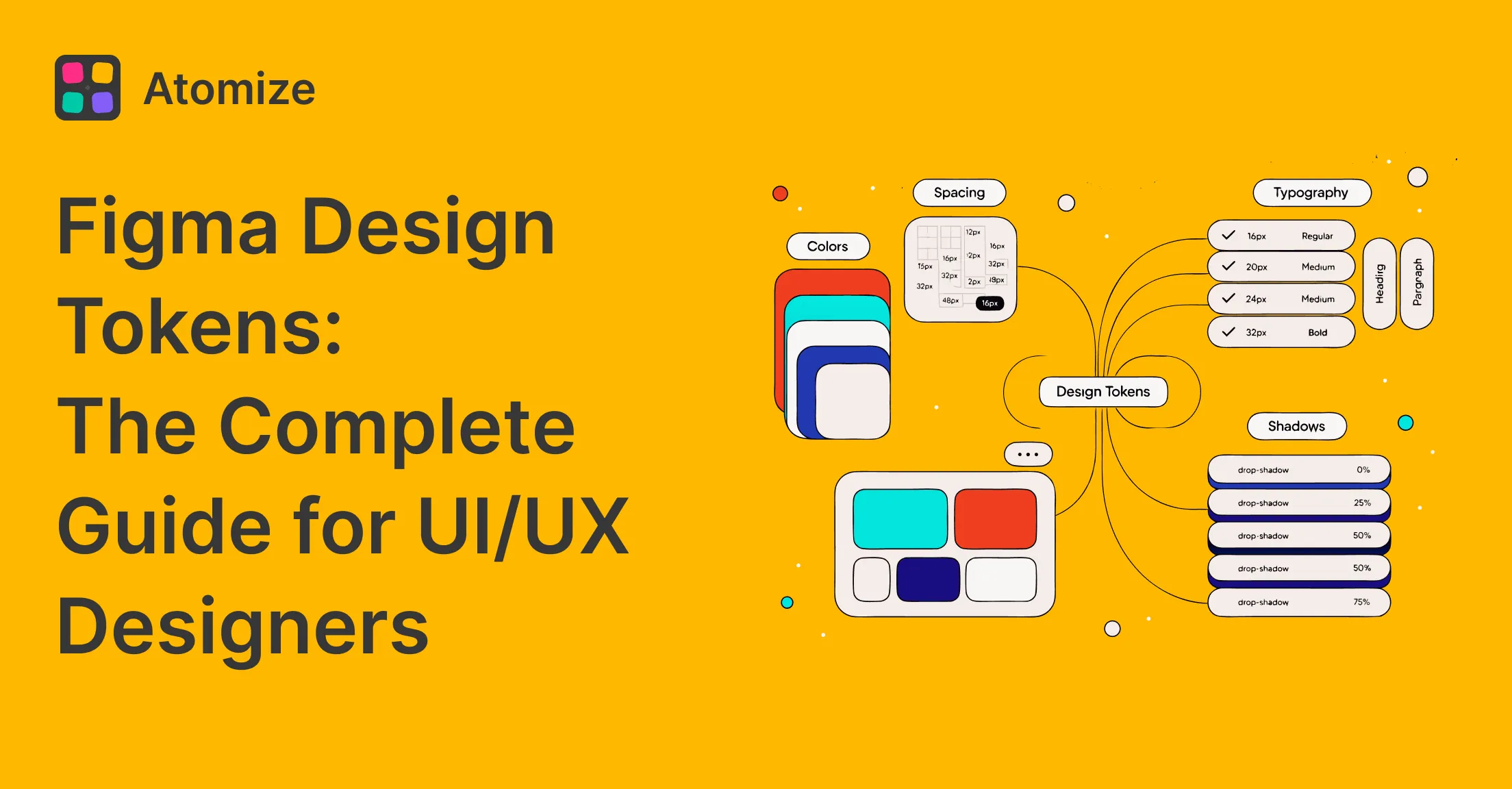
For the token architecture behind the file, start with our Figma design tokens guide. This article assumes the hierarchy exists and focuses on getting it out of Figma intact.
In short
- Figma exports a variable collection as DTCG-aligned JSON, with one file per mode when you export the whole collection.
- Aliases survive as references, not as copied values - which is the whole reason the export is worth automating.
- Modes become separate files, so light and dark are two JSON documents that share token names.
- Figma-specific data - variable IDs, scopes, code syntax - rides inside
$extensions.com.figma. - Boolean and string variables have no DTCG type of their own and depend on those extensions.
- An export is a snapshot. Only a pipeline turns it into a contract that stays current.
What the export contains
A Figma variable collection exports as a nested token tree, not as a flat list of names and values. The nesting mirrors the group structure inside the collection, and each leaf carries a $value plus a $type. Figma’s Variables overview describes the same collections and modes you see in the panel; the export exposes them at two levels: a single mode, or every mode in the collection as a ZIP containing one JSON file per mode.
A semantic color leaf looks like this after export. The value is a reference to another token, and the Figma-specific identity sits in the extension block:
{
  "color": {
    "background": {
      "default": {
        "$value": "{color.gray.50}",
        "$type": "color",
        "$description": "Default page background",
        "$extensions": {
          "com.figma": {
            "variableId": "VariableID:2259:43",
            "codeSyntax": {
              "WEB": "var(--color-background-default)"
            }
          }
        }
      }
    }
  }
}
The $value reference is the alias chain leaving Figma in a form another tool can resolve. That is the difference between an export and a screenshot of values: background/default still points at gray/50, so a change to the primitive reaches every consumer in code.
Modes are handled outside that tree. Export a collection with Light and Dark modes and you get two documents whose token paths match but whose values differ. The file name carries the mode, which matters later when a build script has to decide which one becomes the default theme.
What survives the export and what breaks
Most export failures are not syntax errors. They are properties that never made it into the file, discovered weeks later when a theme switch or a rebrand stops working. The table below is the short list worth checking before you commit the JSON.
What a Figma variable export preserves
| Property | How it leaves Figma | What to check |
|---|---|---|
| Alias chain | As a {token.path} reference | That the referenced path exists in the same export |
| Modes | One JSON file per mode | That every mode contains the same token paths |
| Scopes | Inside $extensions.com.figma | That your build script does not drop the extensions block |
| Descriptions | As $description | That the text is not used as the only record of intent |
| Boolean and string types | Via Figma extensions | That the consuming tool understands the custom type |
| Composite styles | Not as variables | That shadows, gradients, and text styles have a separate source |
The last row surprises teams that expect a complete token system to leave Figma in one file. Variables hold single values. A shadow stack, a gradient, or a full text style is a composite, so it lives in a Style and needs its own export path or a hand-built DTCG composite. If your codebase expects one tokens.json that contains everything, that expectation is the first thing to fix.
Scopes deserve a second look because they are the easiest property to lose silently. A scope tells a designer where a variable is allowed to appear - a radius token should not show up in a fill picker. The exported JSON keeps that information under the Figma extension namespace. Style Dictionary ignores unknown extensions by default, which is fine for rendering but means the scope does not automatically become a lint rule in code. If scope parity matters, read the extension explicitly.
Aliases have a subtler failure mode: they resolve by path within the exported file, but Figma itself resolves them by variable ID. Export a collection that references a variable from another collection and the reference may point at a path that is not in the same document. Check every {...} reference against the file set, not just against the file you opened.
Export variables step by step
The order below keeps the export reproducible. Most of the work happens before the export button, because a clean collection produces a clean file.
- Normalise the collection first. Run a coverage audit to find unbound values, then a cleanup pass for orphan variables. Exporting a dirty collection only moves the mess into the repository.
- Decide the mode strategy. If Light is the default, export all modes together and let the build script choose the default file. Exporting a single mode by hand invites a mismatch the next time someone forgets the other one.
- Export from the Variables panel. Choose the collection, then export one mode or all modes. Rename the ZIP contents to match the mode names your build expects - do not leave Figma’s generated file names as the contract.
- Inspect the JSON before committing. Check that aliases resolve, that every mode has the same paths, and that the extension block survived your formatter.
- Commit the export with a version or a changelog entry. A token file without a record of when it changed is impossible to debug against a deployed UI.
- Feed the file to the build, not to individual developers. The JSON should enter the repository through the same pipeline that produces CSS and TypeScript, so nobody copies values between machines.
Step three is where most manual workflows stop. The export lands in a downloads folder, someone renames it, and the next export overwrites it with a slightly different structure. Automating the last three steps is what turns the file into a source of truth rather than a one-time deliverable.
Turning the JSON into code with Style Dictionary
Style Dictionary reads the DTCG tree and emits platform-specific files, and its configuration reference covers the transform groups used below. A minimal configuration points at the exported JSON and defines three outputs: CSS custom properties for the web, a TypeScript object for typed consumers, and a Tailwind theme for utility classes.
{
  "source": ["tokens/*.json"],
  "platforms": {
    "css": {
      "transformGroup": "css/advanced",
      "buildPath": "dist/css/",
      "files": [{ "destination": "tokens.css", "format": "css/variables" }]
    },
    "tailwind": {
      "transformGroup": "js",
      "buildPath": "dist/tailwind/",
      "files": [{ "destination": "theme.js", "format": "javascript/es6" }]
    },
    "ts": {
      "transformGroup": "js",
      "buildPath": "dist/ts/",
      "files": [{ "destination": "tokens.ts", "format": "typescript/es6-declarations" }]
    }
  }
}
The CSS output is the visible proof that the chain survived. Semantic names remain, and their values point at primitive custom properties instead of repeating hex codes:
:root {
  --color-gray-50: #f9fafb;
  --color-gray-950: #030712;
  --color-background-default: var(--color-gray-50);
  --color-text-primary: var(--color-gray-950);
}

[data-theme="dark"] {
  --color-background-default: var(--color-gray-950);
  --color-text-primary: var(--color-gray-50);
}
If the generated CSS contains a hex code where a var() should be, the alias was flattened somewhere between Figma and the build. That single check catches more export regressions than any schema validator, because it tests the property the design system actually depends on.
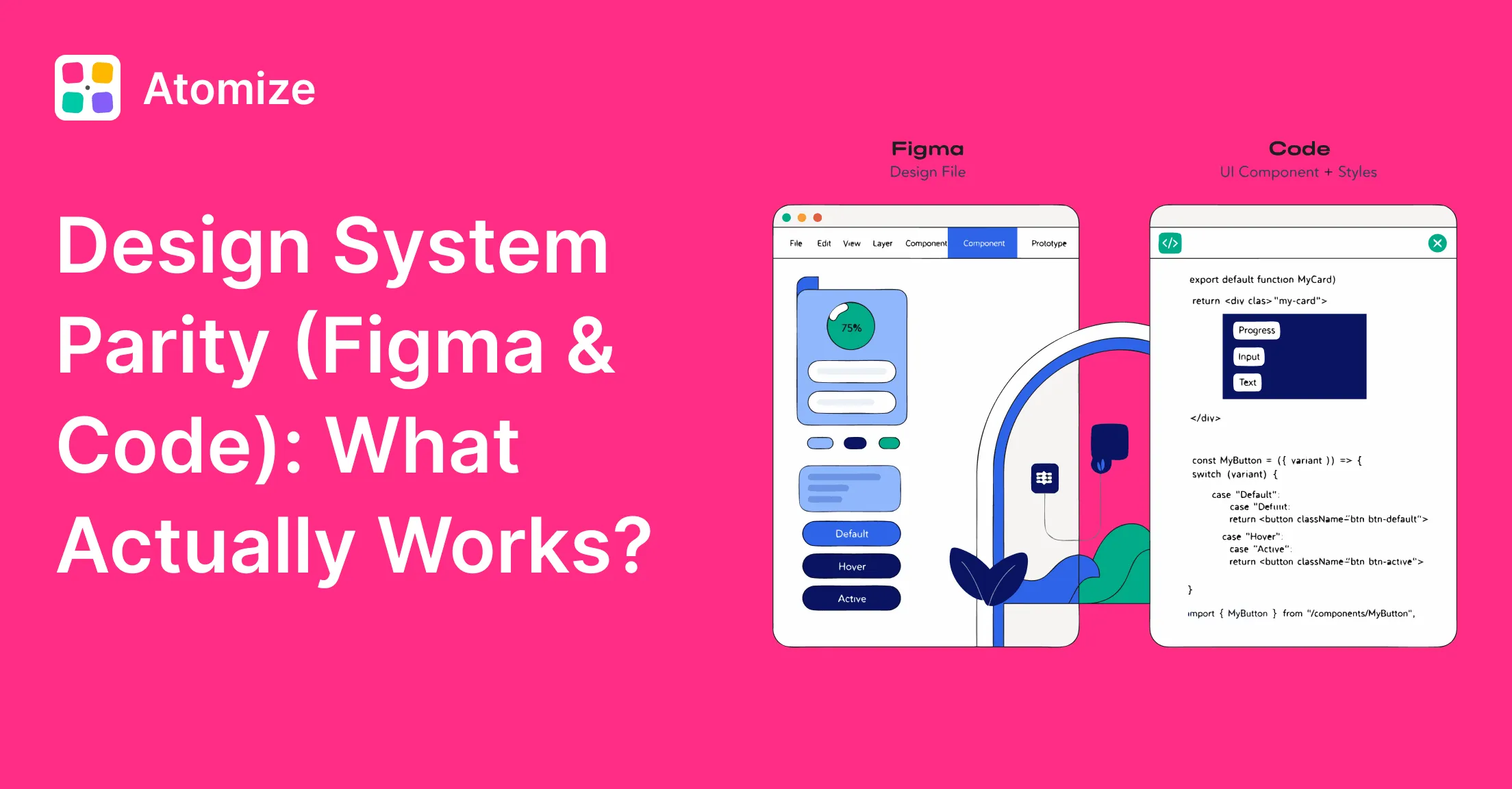
The same file feeds the design-to-code conversation. Our guide to design system parity and code sync covers where token-level sync stops and component-level parity begins - the export solves the first half, not the second.
Real questions designers ask about exporting Variables
Does Figma export to code?
Figma exports token values, not application code. The JSON gives a build tool the names, types, and references it needs to generate CSS variables, TypeScript constants, or a Tailwind preset. Component markup still comes from Dev Mode snippets, Code Connect mappings, or a separate design-to-code tool. Treating the token export as code generation leads to disappointment; treating it as the data layer of code generation is accurate.
How do I export only one mode?
Export at the mode level instead of the collection level. A single-mode export produces one JSON document with the values for that mode. A collection-level export produces a ZIP with one file per mode. For a theme system, the collection-level export is usually the better default because it keeps both themes in the same commit.
Why do aliases break when I import the JSON into another file?
Aliases resolve against variable identity, and identity is carried by the Figma extension metadata. When a reference points at a variable that does not exist in the target file, or at a collection with a different name, the importer has nothing to bind to. Importing into the same library that produced the export works. Importing into an unrelated file needs a matching collection structure, or the values arrive as literals.
Can I import the JSON back into Figma?
Yes. Figma imports the same DTCG-aligned JSON into the Variables panel. Importing into an empty collection creates variables, while importing into an existing mode updates values. That round trip is useful for seeding a file from a repository or for restoring a collection after a migration, but it is not a substitute for a real sync: a round trip overwrites values and does not merge naming decisions made in Figma afterwards.
Should I hand-edit the exported JSON?
Only for a one-off migration. Hand edits create a second source of truth, and the next export silently removes them. If a token needs a different name in code, fix the name in Figma or add a transform in the build. If a composite type is missing from the export, model it in the build rather than patching the generated file.
When not to export
Not every Figma file needs a token export. A prototype with no code consumer, a one-off campaign layout, or a file whose names still change weekly will produce JSON that nobody uses. The export earns its place when three conditions hold: the token names are stable, at least one codebase consumes them, and more than one person edits the Figma library.
There is also a middle stage worth naming. A team can export for review before wiring a pipeline - commit the JSON, diff it between releases, and let designers and engineers agree on the shape. That is a legitimate use. What does not work is exporting once, wiring nothing, and assuming the file is now connected to code.
The same rule applies to partial exports. Exporting only the semantic collection keeps the file small, but the primitive values it references have to come from somewhere. Either export both collections or accept that the semantic file carries resolved values rather than references.
Final verdict - Figma Variables Export
Export Figma Variables as DTCG JSON, commit the result, and let a build tool generate the platform files. The export is trustworthy only when aliases still resolve and every mode arrives in the same release. Check one thing before shipping the pipeline: open the generated CSS and confirm that semantic tokens contain var() references rather than hex codes. If they do, the chain survived Figma.